FlameBot Downloads
FlameBot is a desktop companion that helps you set up and manage your trading automation on MetaTrader. Each bundle includes the FlameBot app plus the included MT4 + MT5 Expert Advisors (EAs).
Download the desktop app bundle. The MT4 + MT5 EAs are included inside the same download.
Windows users: download, open the app, and install the EAs from Settings.
macOS users: download, unzip, move FlameBot.app to Applications, then copy the included EAs into MT4/MT5.
Windows (App + MT4/MT5 EAs)
Single zip bundle: FlameBot + EAs + installer helper.
Download FlameBot for Windows- Run
FlameBot.exe - Install EAs: run
Install_EAs.ps1or copy manually
macOS
Single zip bundle: FlameBot.app + MT4/MT5 EAs.
Download FlameBot for macOS- Unzip
FlameBot-macOS.zip - Move
FlameBot.appto Applications - If blocked: right‑click
FlameBot.app→ Open - Copy EAs from the included
eas/folder into MT4/MT5
MetaTrader Setup
After installing the EA files:
- Restart MT4/MT5
- Attach the EA to a chart
- MT4: ensure WebRequest is allowed for your server URL
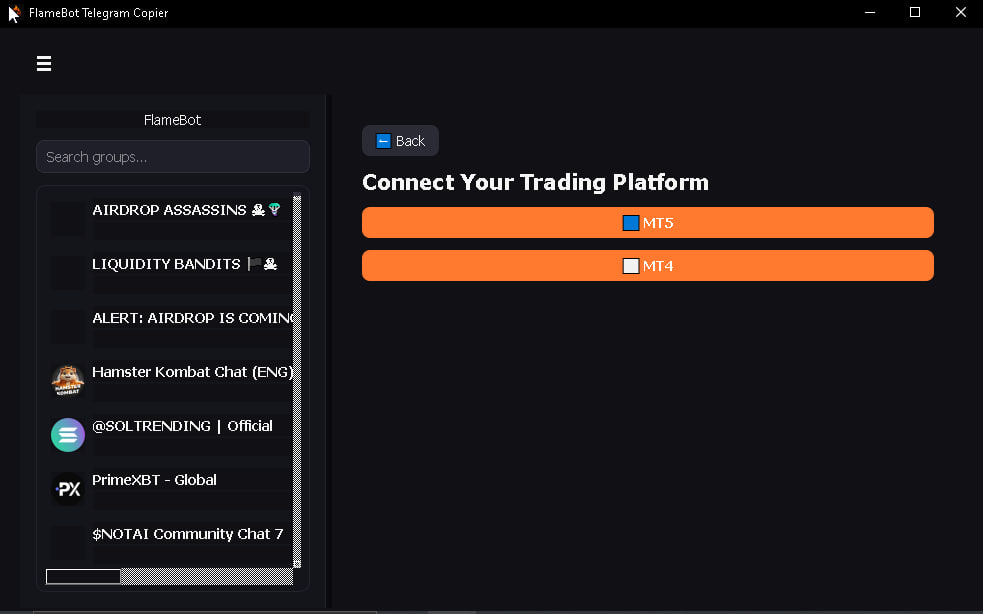
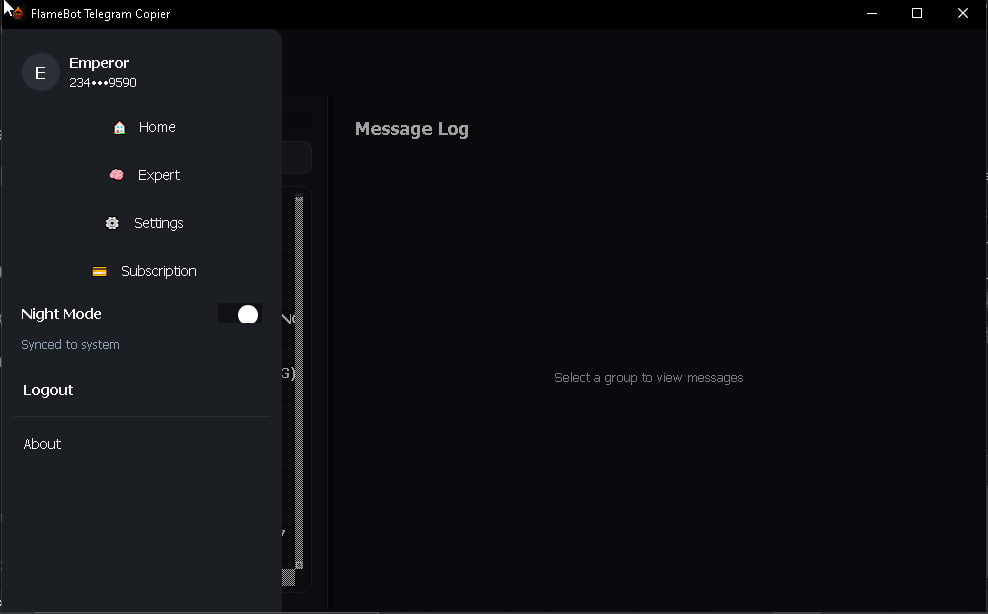
App Preview